How Do QR Codes Work? Error Correction Explained
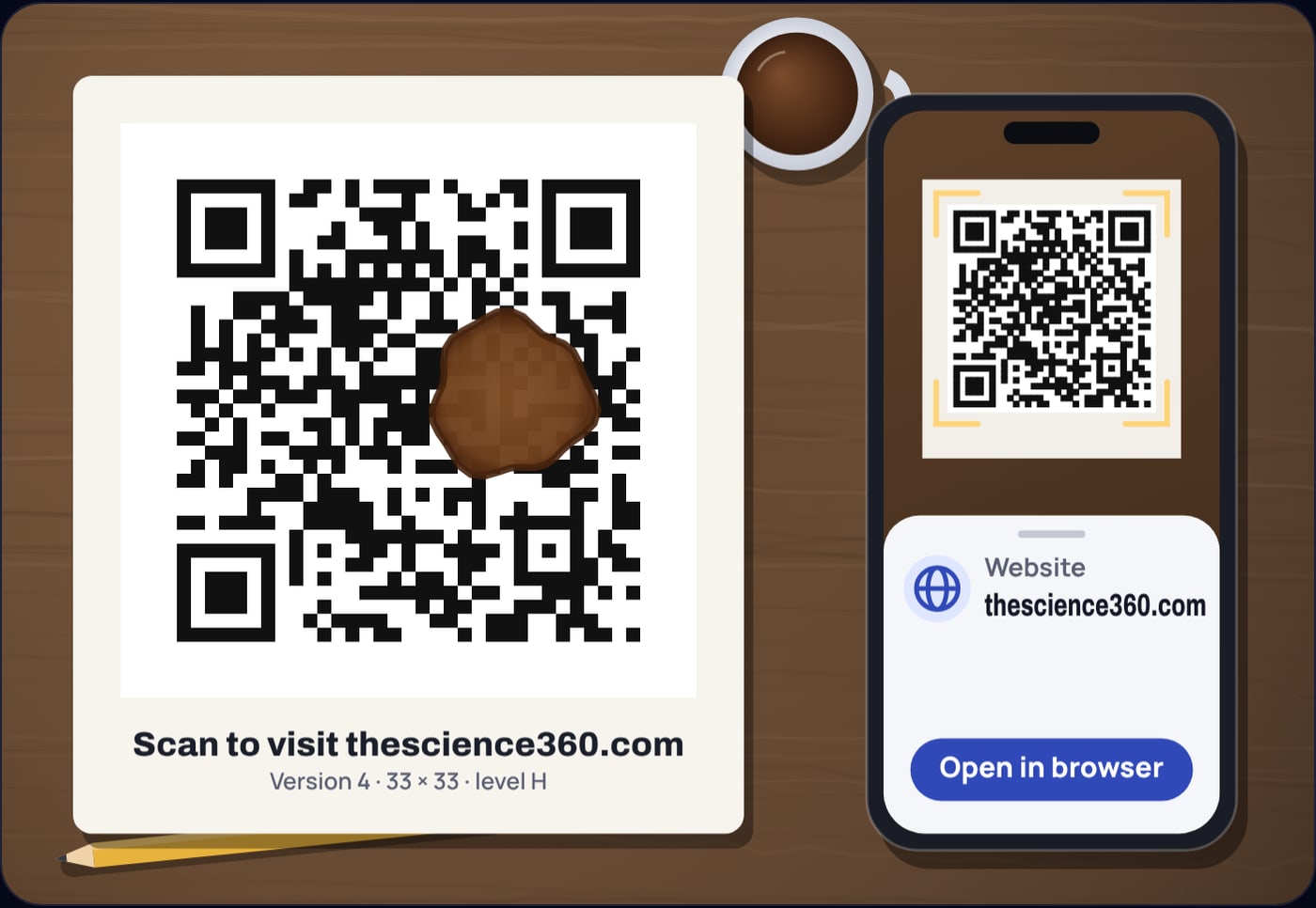
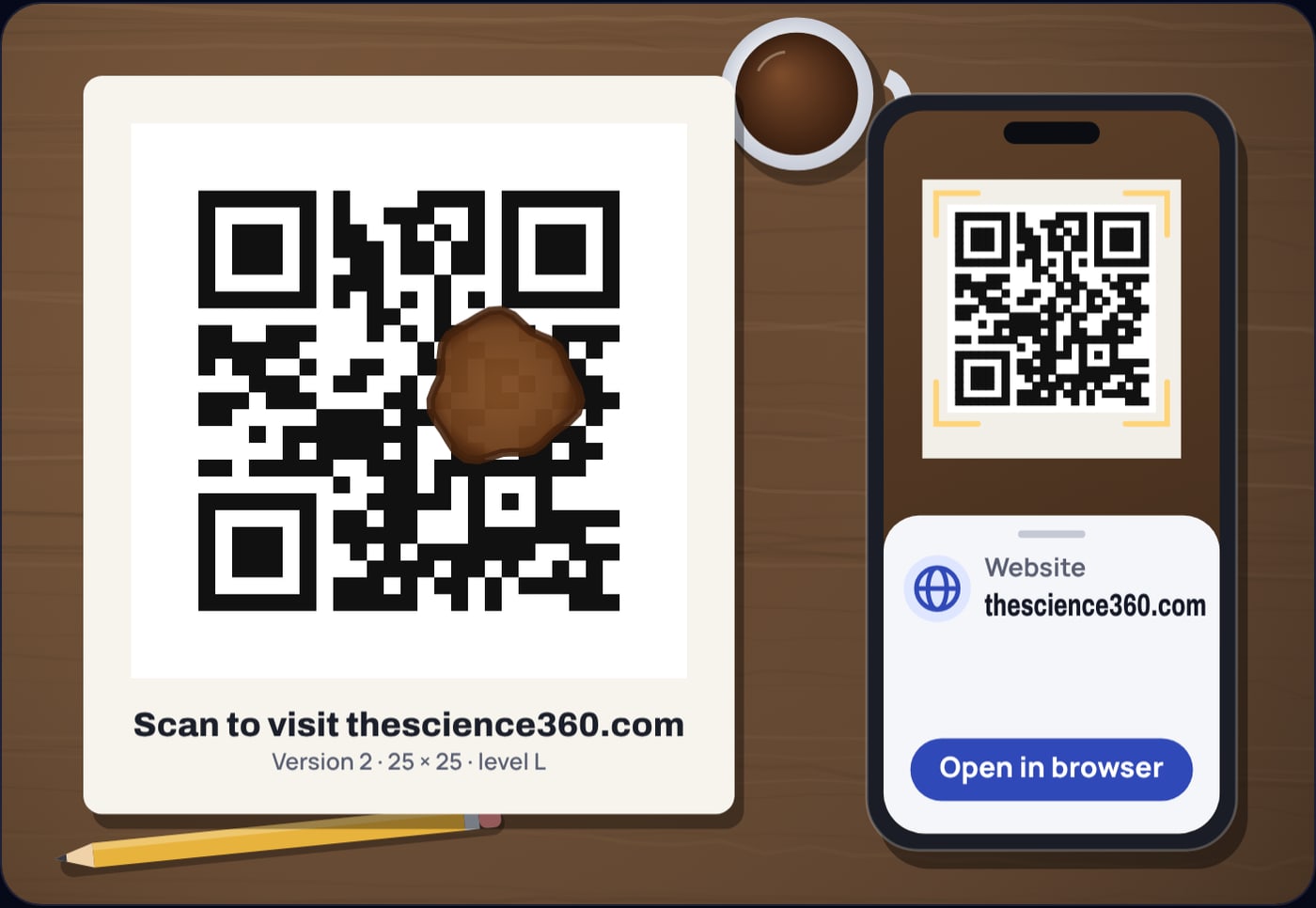
Print a QR code for a web link, spill coffee across about a tenth of it, and try to read it back. At error correction level H the link comes back perfectly. Print the same link at level L, spill the same coffee in the same place, and nothing reads at all. We tried exactly this with screenshots of a printed card run through jsQR, an open source decoder: levels Q and H survived the stain, levels L and M did not.
The difference is not luck. A QR code is a small, carefully organised block of data with a repair kit built in, and the level you pick sets how big that kit is. You can repeat the experiment in our free QR code generator, which has a coffee spill switch and shows what is stored inside every code it makes.
What are the parts of a QR code?
Every QR code is a square grid of small squares called modules, dark or light. The smallest, version 1, is 21 modules on a side. Each version adds 4 modules per side, up to version 40 at 177 by 177. That gives a simple rule for the width:
where is the version and the number of modules along one side. Not every module carries your data. A fixed set of shapes tells the scanner where the code is and how to read it:
- Finder patterns. The three 7 by 7 squares in the top left, top right and bottom left corners. A camera spots them first, and their positions give the size and rotation of the code.
- Timing patterns. Two lines of alternating dark and light modules joining the finder patterns, one along the sixth row and one along the sixth column. They let the scanner count the modules.
- Alignment patterns. Smaller 5 by 5 squares, present from version 2 upwards, that help correct for a code photographed at an angle or printed on a curved surface.
- Format and version information. Strips beside the finder patterns store the error correction level and the mask used, and from version 7 two small blocks store the version number.
- Quiet zone. A plain border around the whole code. DENSO WAVE, the company that created the QR code, specifies a margin four modules wide on every side.
How does text become dark and light squares?
The encoder writes a short header and then the data itself as a stream of bits. In byte mode, which handles any text stored as UTF-8, the header is a 4-bit mode indicator and a character count of 8 bits (versions 1 to 9) or 16 bits (version 10 and up). The bits are then cut into 8-bit codewords.
Example 1: a 26 byte link at level M
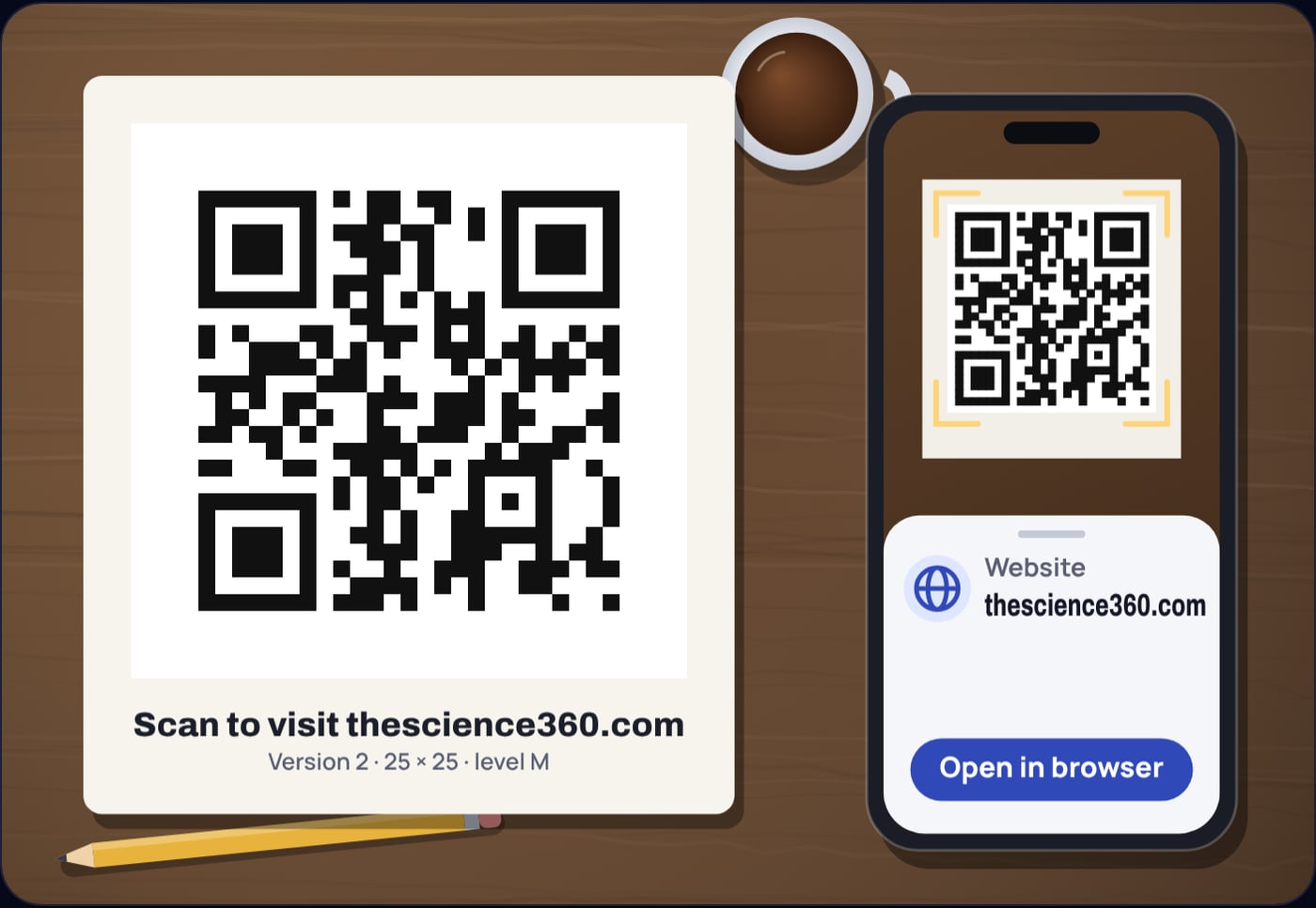
The link https://thescience360.com/ is 26 bytes, and 220 bits fit in the 224 bits that version 2 at level M sets aside for data. One more character and the code would jump to version 3.
That is why a short link makes a small code and a long tracking address makes a dense one. The version is not chosen for looks; the encoder picks the smallest version whose data area holds your bits at the level you asked for.
Before the bits are placed, one of eight mask patterns is laid over the data area, flipping modules in a regular pattern. The encoder tries all eight and scores each one with four penalty rules: long runs of the same colour, 2 by 2 blocks of one colour, shapes that look like a finder pattern, and an uneven balance of dark and light. It keeps the mask with the lowest score, so the code never accidentally contains a fake corner square or a big solid patch that would confuse a camera.
How does Reed-Solomon error correction work?
The repair kit is a set of extra codewords computed from the data codewords with Reed-Solomon coding. The encoder treats the data codewords of a block as the coefficients of a polynomial, divides it by a fixed generator polynomial, and stores the remainder as the repair codewords. Damage anywhere in the block leaves a mismatch that the scanner can work back from to find which codewords are wrong and what they should have been.
The useful rule is simple. To fix a codeword when you do not know where the damage is, the code needs two repair codewords. DENSO WAVE puts it the same way: correcting a given number of codewords requires twice that number of Reed-Solomon codewords.
Here is the number of repair codewords in a block and the number of damaged codewords it can fix. The four levels set the share of the code spent on repair, and so the share that can be rebuilt: about 7% at L, 15% at M, 25% at Q and 30% at H, according to DENSO WAVE's table.
Example 2: the same link at each level
Each line gives the level, the version it needs, and how many of its codewords are for repair. At level Q the 36 sit in 2 blocks of 18 and at level H the 64 in 4 blocks of 16. At level H, 64 of the 100 codewords are repair data, and up to 32 damaged codewords can be rebuilt. The cost is size: the code grows from 25 to 33 modules a side for the same link.
Why does a stain damage so many codewords?
A spill covers modules, but the repair works on codewords, and each codeword is 8 bits spread over a small area. If even one of a codeword's 8 modules is read wrongly, the whole codeword counts as an error. So a stain over 9% of the area can damage a noticeably larger share of the codewords, and that is why the lower levels fail first.
Larger codes split their codewords into several blocks, each with its own repair codewords, and then interleave them: the first codeword of every block, then the second of every block, and so on. The repair codewords are interleaved the same way after the data. A local stain therefore takes a few codewords from each block instead of wiping out one block entirely, and each block only has to repair its own small share. The level H code in Figure 2 uses four blocks of 25 codewords, each able to fix 8.
The corner squares are the weak point. If a finder pattern is covered, the scanner cannot locate the code at all, and no amount of repair data helps. The spill in our generator is placed clear of the finder and alignment patterns for that reason.
How much can a QR code hold?
The capacity depends on the version and the level. In byte mode:
| Version | Modules | L | M | Q | H |
|---|---|---|---|---|---|
| 1 | 21 × 21 | 17 | 14 | 11 | 7 |
| 2 | 25 × 25 | 32 | 26 | 20 | 14 |
| 3 | 29 × 29 | 53 | 42 | 32 | 24 |
| 4 | 33 × 33 | 78 | 62 | 46 | 34 |
| 5 | 37 × 37 | 106 | 84 | 60 | 44 |
| 10 | 57 × 57 | 271 | 213 | 151 | 119 |
| 20 | 97 × 97 | 858 | 666 | 482 | 382 |
| 40 | 177 × 177 | 2,953 | 2,331 | 1,663 | 1,273 |
Numbers are bytes of text. Codes holding only digits, or only capital letters and a few symbols, use more compact modes and hold more characters, but byte mode is what a link, a Wi-Fi login or a contact card needs.
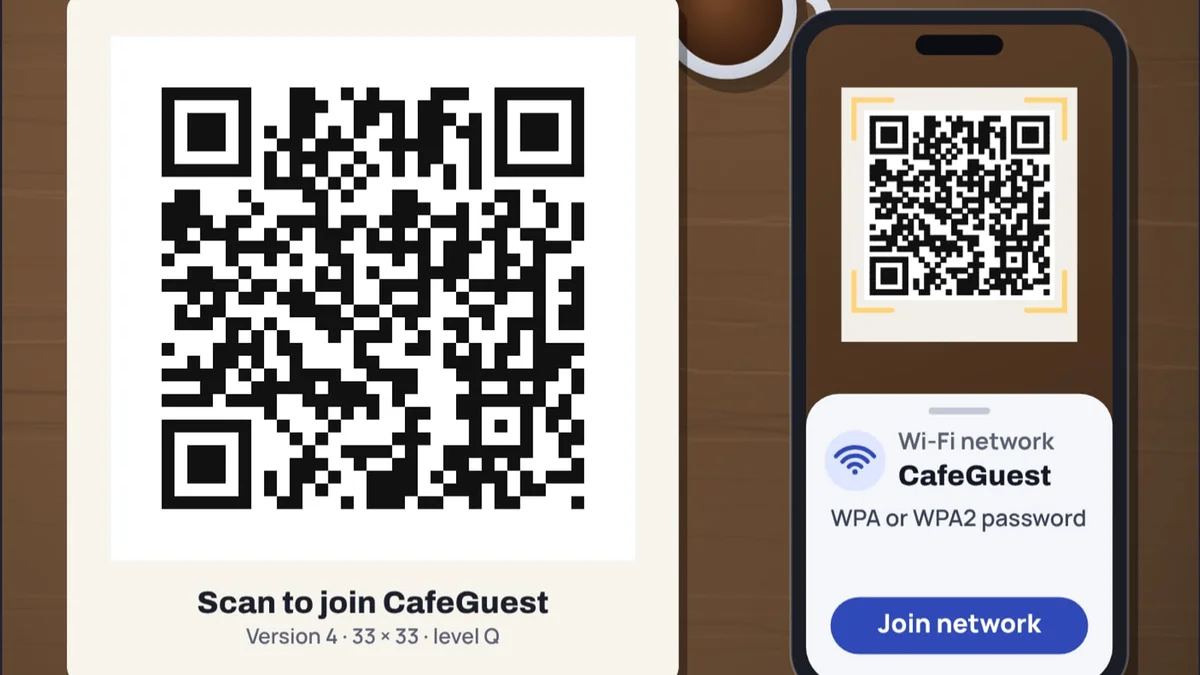
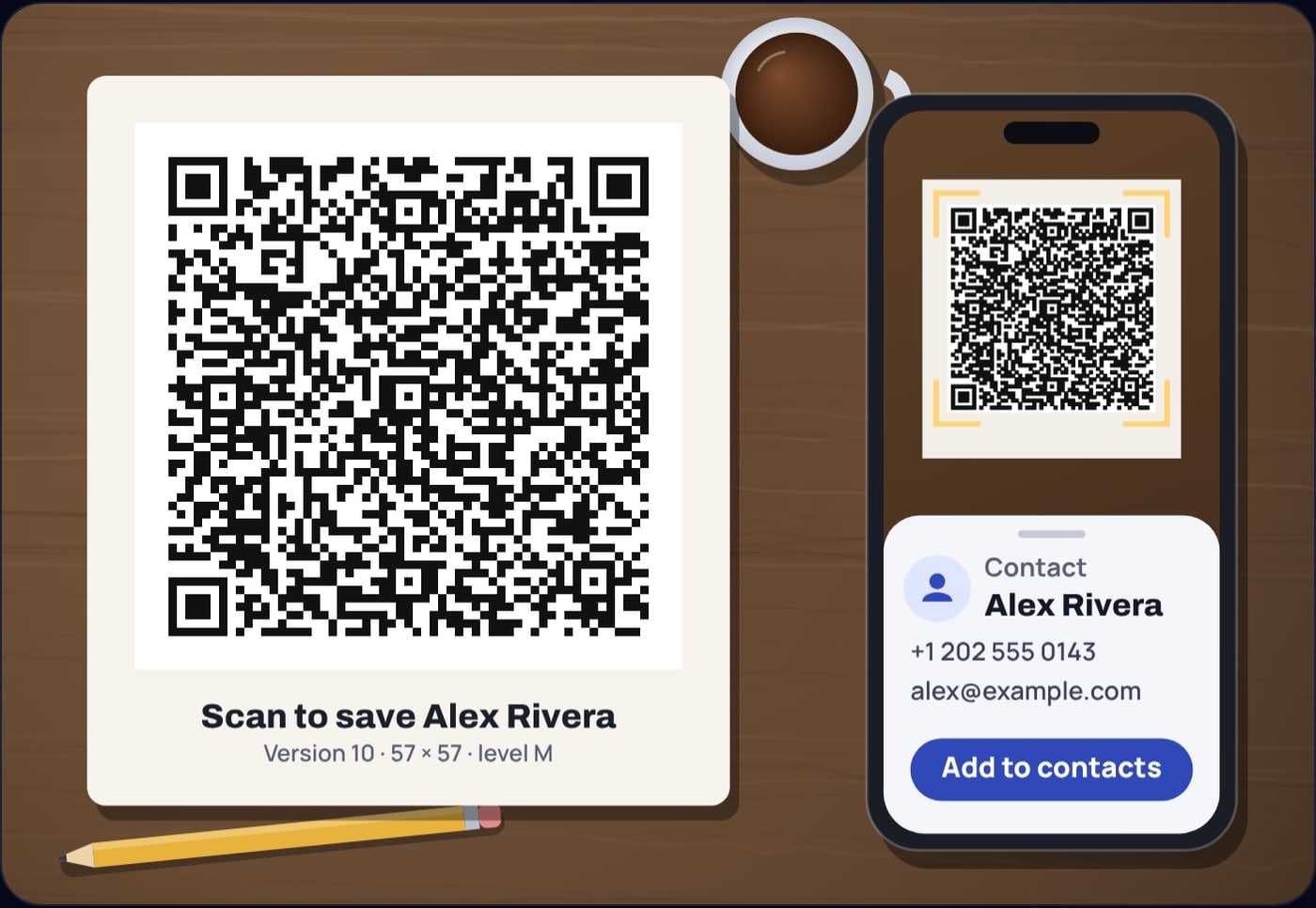
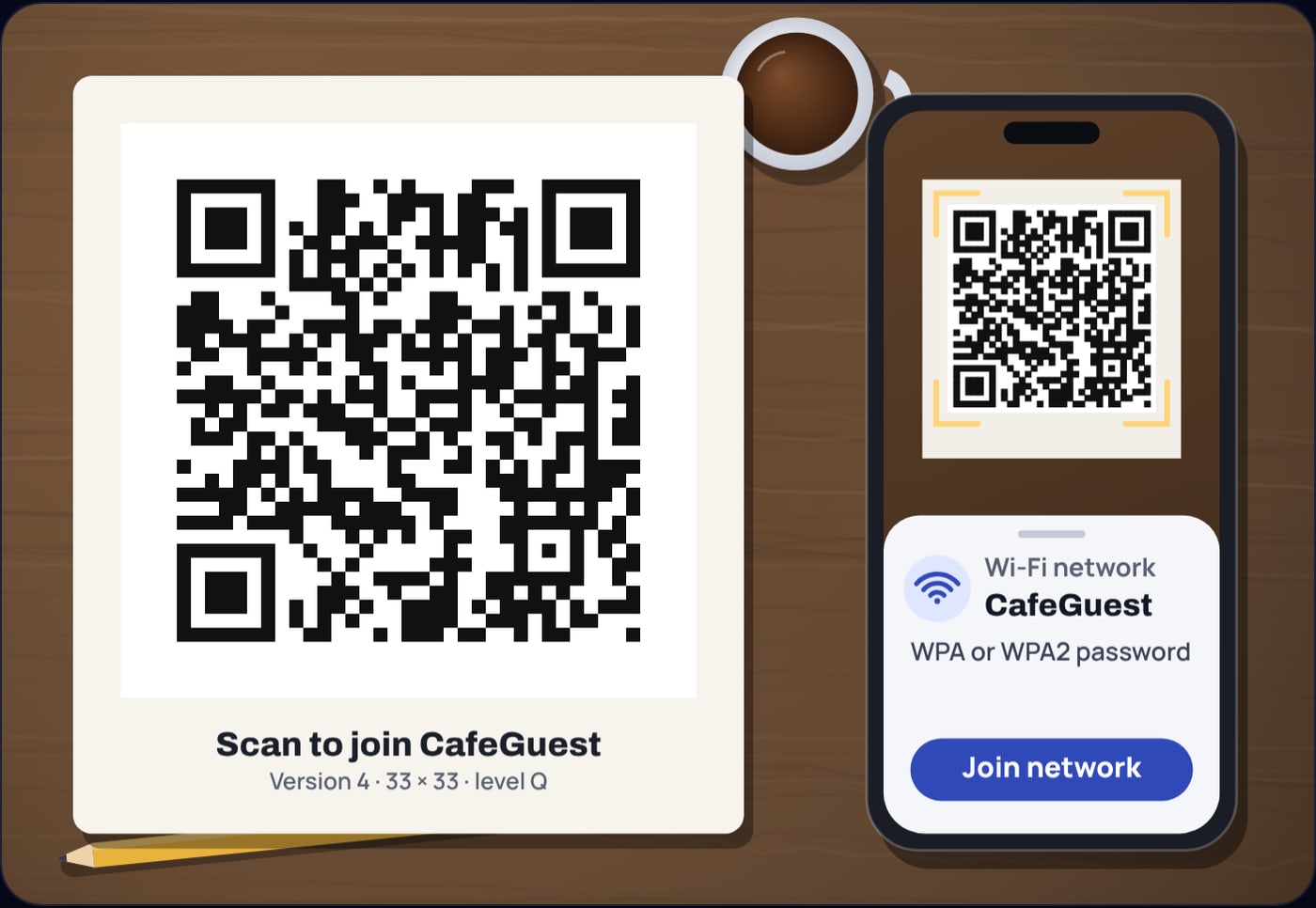
A contact card shows how quickly the bytes add up. A vCard with a name, organisation, job title, phone, email and website is 203 bytes, which needs version 10 at level M, 57 modules a side. A Wi-Fi login is far smaller: WIFI:T:WPA;S:CafeGuest;P:flat-white-2026;; is 42 bytes and fits in version 4 at level Q.
Which error correction level should you use?
Every step up in level buys robustness with size. At a fixed printed width, a bigger version means smaller modules, and small modules are the main reason a code fails to scan from across a room or in poor light. So the best level depends on where the code lives:
- L (about 7%) for codes on clean screens or when you must fit a lot of data in a small space.
- M (about 15%) as the default. DENSO WAVE notes it is the level most often selected.
- Q (about 25%) for printed codes that will be handled, folded or left outdoors.
- H (about 30%) for codes in dirty settings or with a small logo placed over the middle. The logo hides modules, and the repair data has to cover them.
Size matters as much as level. DENSO WAVE's printing example uses modules 0.254 mm wide (4 dots at 400 dpi). At that size a version 4 code with its 4-module quiet zone, 41 modules in all, is just 10.4 mm across. That is fine on a label read at arm's length; a poster read from metres away needs modules many times larger.
Do QR codes expire, and are they safe?
A common belief is that QR codes stop working after a while. A static code cannot expire: the content is in the pattern. What people run into are dynamic codes, where the pattern only stores a short link to a company's redirect server. When the subscription ends or the server goes away, the code still scans but leads nowhere. Our generator makes static codes only, so what you print is what people get.
The flip side is that anyone who scans a code reads exactly what is in it. A Wi-Fi code contains the password in plain text, and a scanner app will show it. Put it where you would be happy to write the password on a card.
The idea of spending part of a signal on margin shows up all over electronics. Serial links have a timing budget for exactly this reason, worked through in the real budget for UART baud rate error, and noise cancelling headphones live or die by how much error they can tolerate in their timing. A QR code makes the same trade in plain sight: more repair codewords, bigger code.
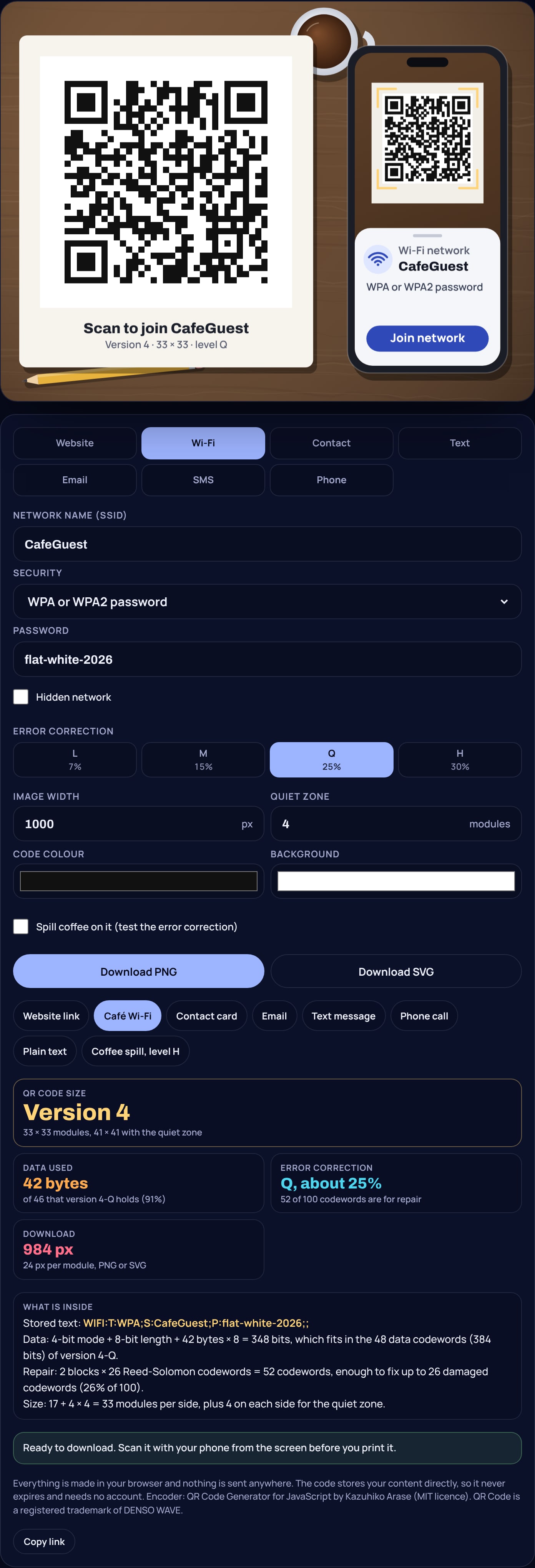
To see error correction for yourself, load the coffee spill example in the QR code generator, point your phone at the screen, then switch between levels L and H and try again.
Sources
- DENSO WAVE, QR Code error correction feature (levels L, M, Q and H, and two Reed-Solomon codewords per corrected codeword): qrcode.com error correction
- DENSO WAVE, information capacity and versions (version 1 is 21 × 21 modules, version 40 is 177 × 177): qrcode.com versions
- DENSO WAVE, how to make a code (four-module margin, module size example): qrcode.com code size
- Thonky QR code tutorial: error correction code words and block information, character capacities, module placement, data masking and interleaving: thonky.com error correction table, character capacities, module placement, data masking, final message structure
- ZXing project, Barcode Contents (Wi-Fi, tel, mailto and SMS formats): github.com/zxing/zxing/wiki/Barcode-Contents
- Kazuhiko Arase, QR Code Generator for JavaScript (the encoder the generator uses, MIT licence): github.com/kazuhikoarase/qrcode-generator
- jsQR, the open source decoder used to check the screenshots: github.com/cozmo/jsQR
Frequently asked questions
How does a QR code work?
Your text is turned into bytes, split into 8-bit codewords and extended with Reed-Solomon repair codewords. The bits are laid out as dark and light squares called modules, around three large corner squares that let a camera find the code, judge its size and straighten it.
What do the error correction levels L, M, Q and H mean?
They set how much of the code is spent on repair. Level L can restore about 7% of the codewords, M about 15%, Q about 25% and H about 30%. Higher levels survive more damage but need a larger code for the same content.
Can a damaged QR code still be scanned?
Often, yes. If the damage stays within what the error correction level can repair and the corner squares are intact, the scanner rebuilds the missing data. In our test, a link with a spill over about 9% of the code still read back at levels Q and H but not at L or M.
How much data can a QR code hold?
Up to 2,953 bytes in the largest code, version 40 at level L, which is 177 by 177 modules. At level H the same size holds 1,273 bytes. Most links fit in versions 2 to 4.
Do QR codes expire?
A static QR code never expires, because the content is stored in the pattern itself. Codes that stop working are usually dynamic codes that point to a redirect service that has been switched off.